SiliconPV Conference

Make Sure Your Poster is Uploaded to the Platform

1. Go to your submission page on the Fourwaves dashboard.

2. Select your submission.

3. Click "Edit Submission" on the right side.

4. Select "Poster Presentation".

5. Upload the PDF file.

6. Remember to save the form when you are done.


Please upload your poster by April 10.
How to get to the Poster Session

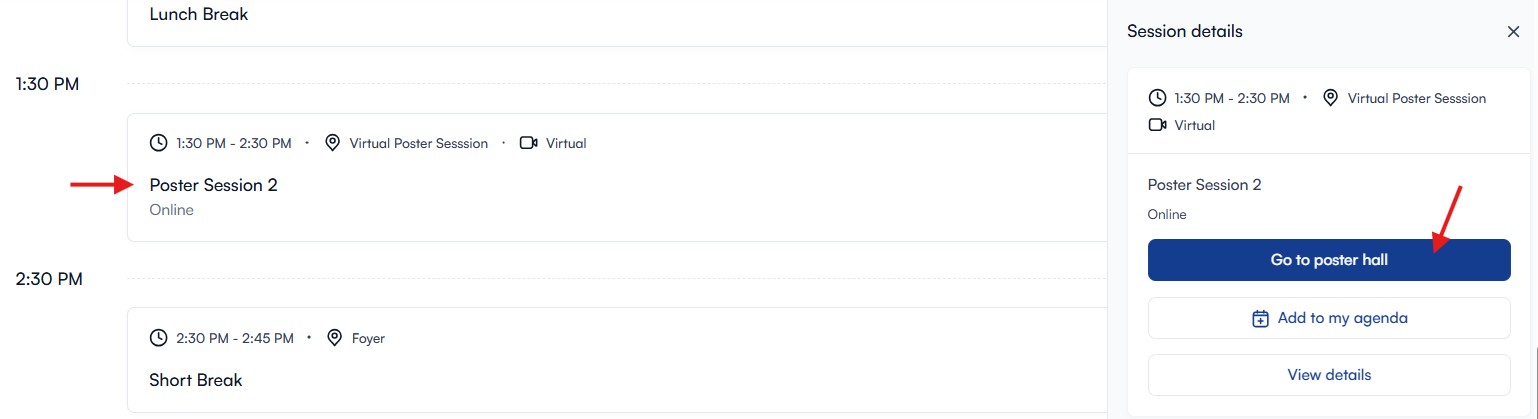
The Online Poster Session takes place April 14 at 1.30pm (local time UTC +3).

Everyone can enter the poster session through the online program.

Please choose "go to poster hall".

You need to be logged in to the platform. If you don't have your password available, easily click "forgot password" and you will receive a new one.

How to get to your Poster

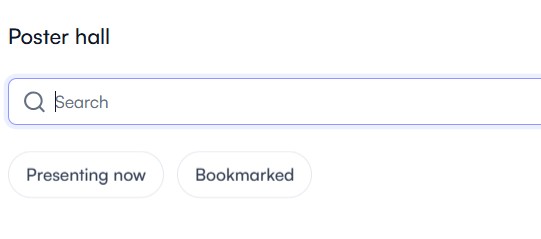
Search the name of your poster or your name and click on your poster to enter.

A preview of your poster will appear. Please ckick join coversation.

Your browser will ask you for permission to use the microphone and camera. Please make sure you allow.

You will get notified as soon as a person joins your poster.

How to Present Your Poster

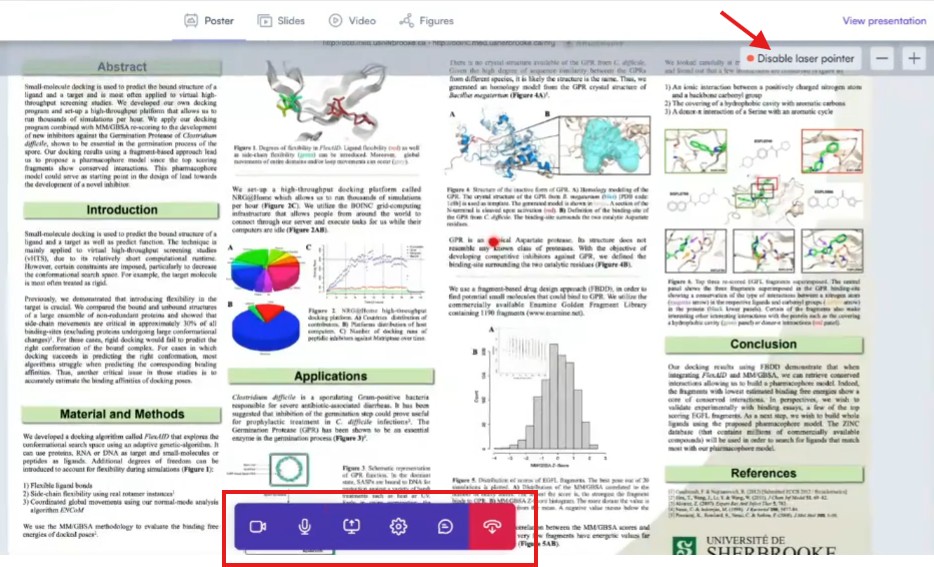
As a presenter you have access to a laser pointer.

Whenever you zoom in to the poster it zooms in for everyone.

There is a chat function and you are also able to share your screen in case you want to show something different from the poster you uploaded.