Instructions for Online Speakers
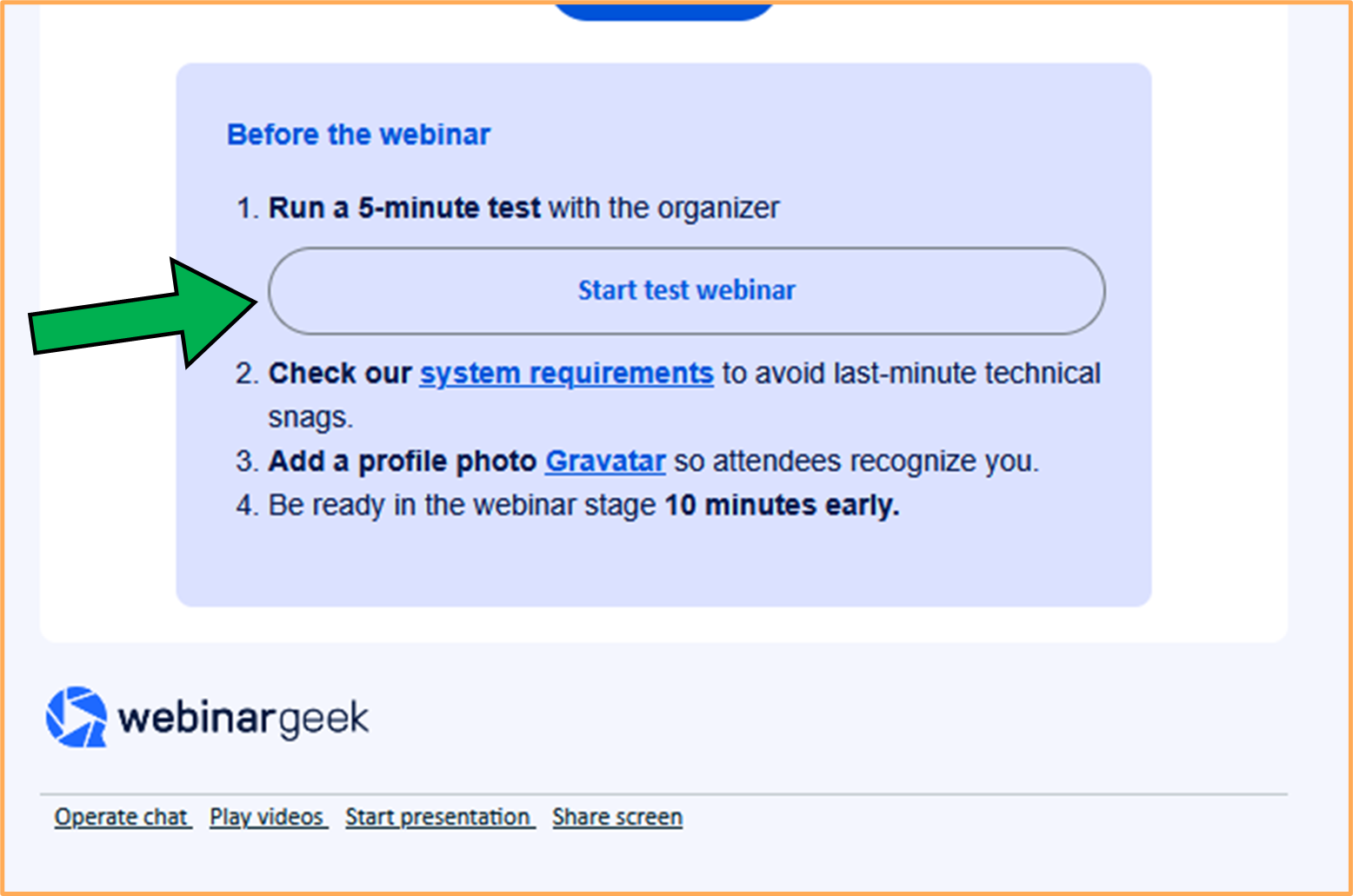
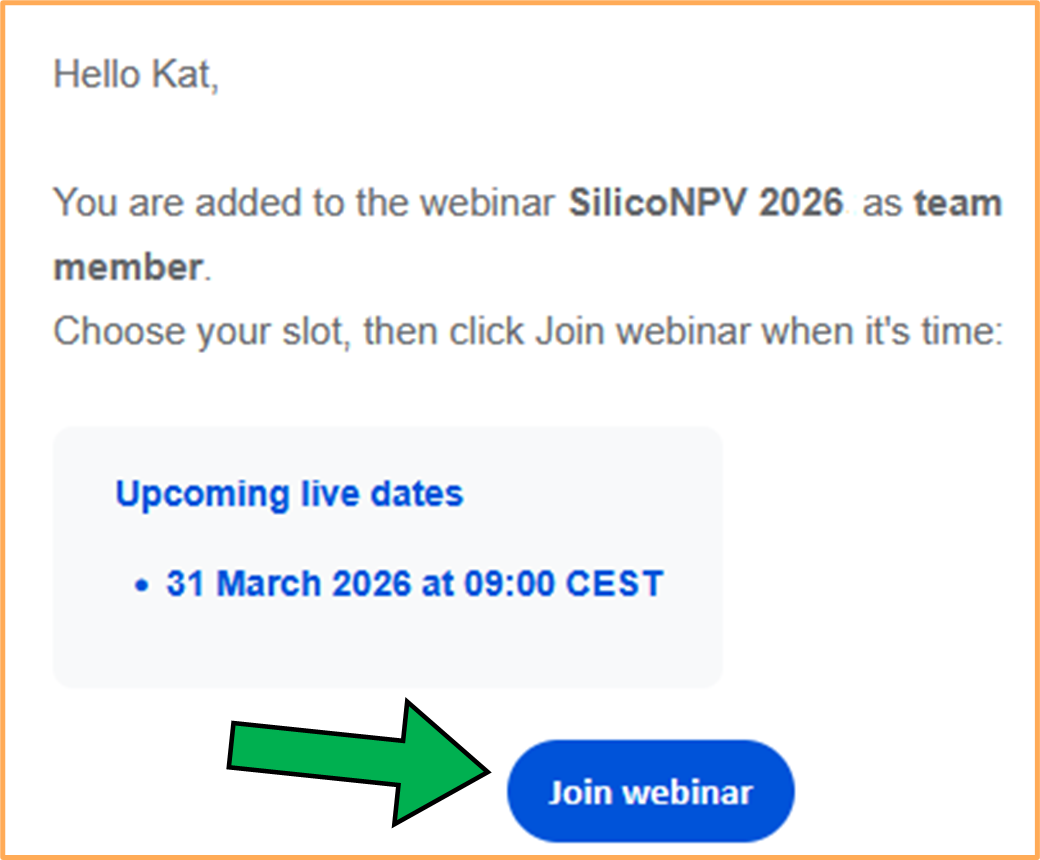
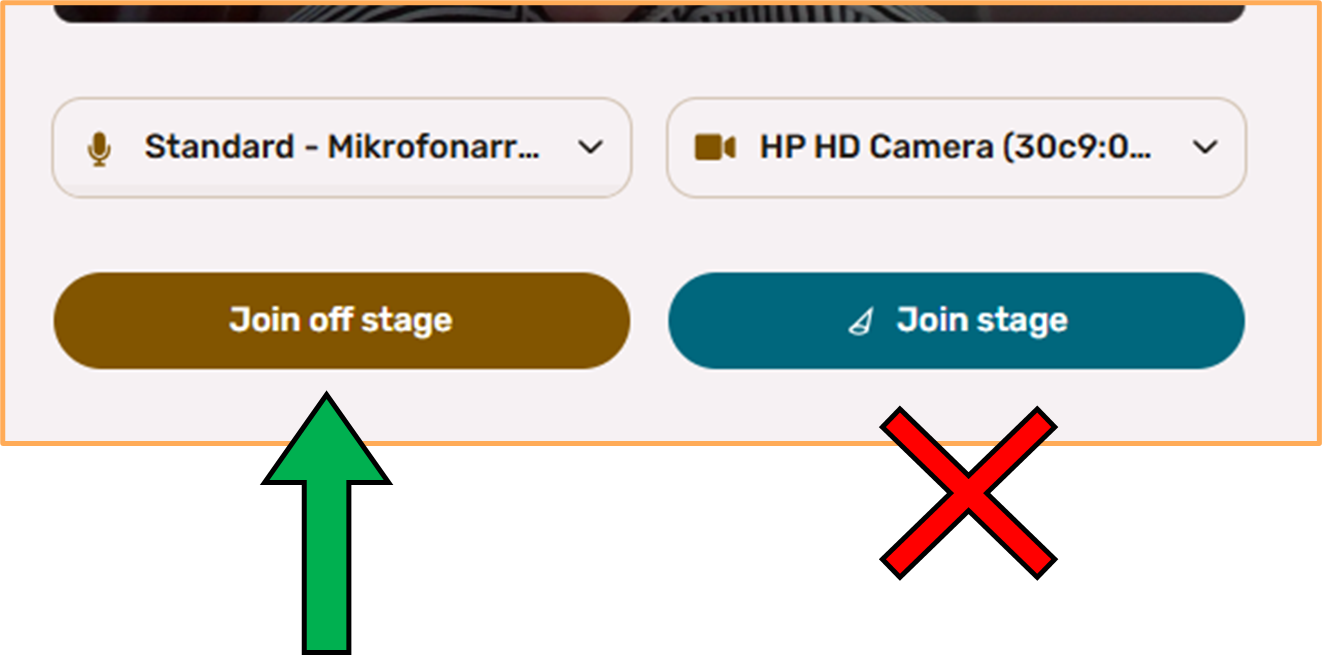
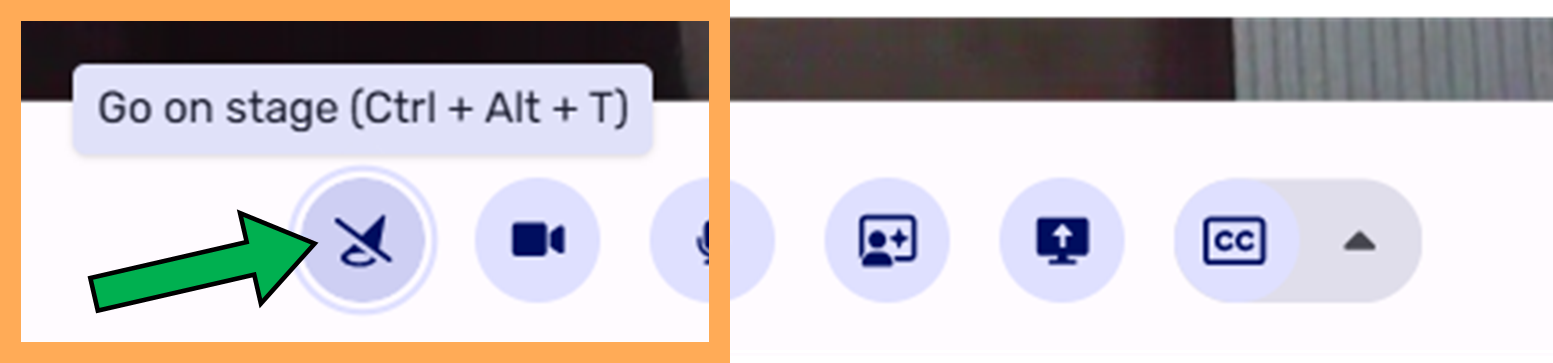
The SilicoNPV 2026 Conference + bifiPV Workshop 2026 will take place in a hybrid format, allowing online participants and the presenters to join the sessions live using a webinar tool called WebinarGeek.
Please take a moment to read the following steps to ensure that your online presentation goes smoothly.
General information:
- You do not need to download any software or app to use the webinar. The webinar is accessible through your web browser.
- Please use a headset with microphone for optimal audio quality and make sure your camera is working properly.
- Please make sure that the room you are sitting in is well lit and that there are no background noises that may interfere with the stream.
- Please use one of the supported web browsers: Google Chrome, Microsoft Edge, Safari, or Firefox
- Please ensure that your internet connection is stable. Preferably use a wired internet connection over Wi-Fi. If you do choose to use Wi-Fi, make sure to place yourself as close to the router as possible. If you are on a VPN network, we recommend that you disconnect from your VPN to get more out of your connection.